Thrive™
Streaming-first mastering with spec validation.
Master with Spotify, Apple Music, YouTube, Netflix, and broadcast targets visible in real time — so you can see exactly how far you are from each one before you upload. Thrive's loudness panel shows fourteen platform targets side by side, with at-a-glance status pills, live delta measurements, and a one-click Auto-Spec suggestion to help you get in the neighborhood of the selected target.
Secure checkout via Payhip · Instant license delivery by email
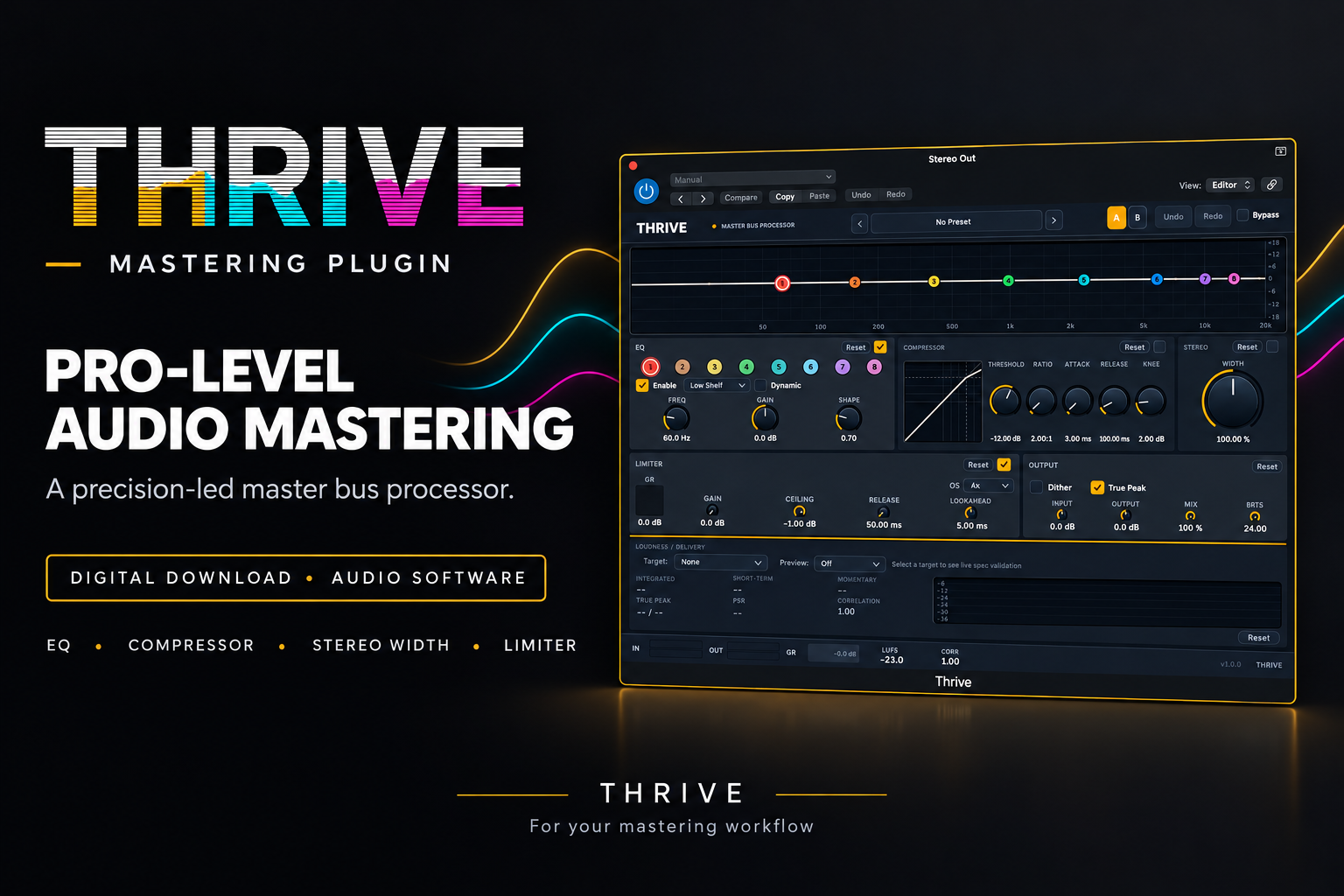
Everything included in the download.
A full mastering chain,
built around streaming delivery.
Standards-based loudness metering
A dedicated panel shows Integrated, Short-Term, and Momentary LUFS (per ITU-R BS.1770-4) alongside True Peak (L/R), PSR dynamic range, and stereo correlation. A 30-second scrolling LUFS graph shows how loudness has evolved across the section you just played. Every measurement is defined and referenced — see How Thrive measures loudness, level, and dynamics for definitions and why LUFS and dB aren't interchangeable.
Fourteen platform targets
Each preset carries the platform's currently published loudness target, true-peak ceiling, and dynamic-range floor — measured to the platform's published specification, with notes on user-override behavior (see platform notes below the grid). Verified against primary source docs as of 2026; we update when platforms change their specs.
Platform notes.
Streaming targets are for default normalization. Spotify offers Loud (-11), Normal (-14), Quiet (-19), or Off. Apple Music's Sound Check is user-toggleable. Tidal and Amazon Music are similar. YouTube's normalization applies attenuation only — quiet masters are not boosted. Listeners can override normalization on most platforms; your master is heard as-mastered when they do.
Video platforms use dialogue-anchored LKFS. Netflix, Disney+, and Amazon Prime Video specify loudness against isolated dialogue (Netflix's published spec is -27 LKFS dialogue-anchored). Thrive measures integrated LUFS across the full program — the Netflix chip shows -24 LUFS integrated as an approximation of Netflix's dialogue-anchored spec for typical film mixes. For serious video delivery, use dedicated dialogue-anchored metering (Nugen VisLM, iZotope Insight, or a Dolby tool). Consult each platform's mix specification.
CD and vinyl are conventions, not specs. There is no LUFS specification for either. Values shown are common practice for modern mastering, not a platform requirement.
*Netflix integrated value is an approximation for full-mix integrated LUFS metering, not Netflix's actual delivery spec (which is -27 LKFS measured on isolated dialogue). Use dedicated dialogue-anchored tools for actual Netflix delivery.
*TikTok and Amazon Music HD values are per commonly cited industry sources; consult each platform's current published guidance if you're delivering to spec.
At-a-glance spec status
Red / green pills tell you instantly whether your master is on target for the selected platform. Live guidance text describes the delta — "Integrated LUFS is 3 dB over target; True Peak is within limits" — instead of just throwing numbers at you. You decide whether to adjust and how — the plugin surfaces the information, not a prescription.
Codec preview
Listen to your master through DSP approximations of AAC 256, MP3 320, and Opus 128 — models built to reproduce each codec's known artifact signature — before you hand off. A "Compensate" button applies codec-aware dynamic-EQ moves to counter the damage zones each codec is known to expose. (The real streaming encoders are proprietary; Thrive's previews are approximations, useful as a directional guide rather than a bit-perfect prediction.)
One-click Auto-Spec
Sets your limiter gain and ceiling so the master hits the selected platform target without fishing for the right combination. Tweak from there.
Full mastering chain
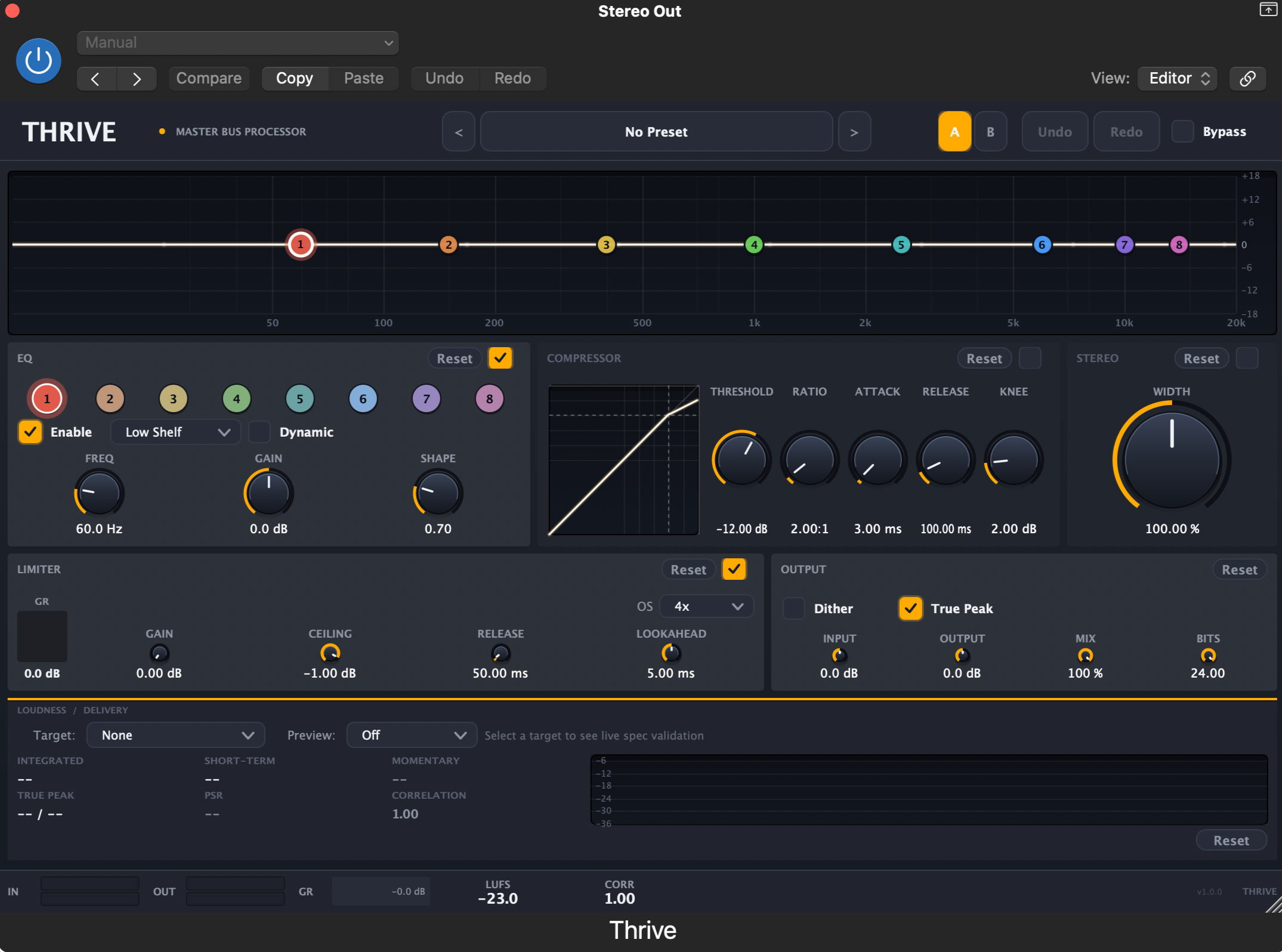
6-band parametric EQ with optional per-band dynamic mode and live spectrum overlay. Compressor with transfer-curve visualization. Stereo width. Brickwall limiter with lookahead. Output stage with input/output gain, mix (parallel processing), dither, and true-peak detection.
Starting points for every genre.
Thrive ships with 33 factory presets across 11 categories — Mastering, Technique, Dynamic-EQ showcases, Mixing, Electronic, Rock, Pop, Hip-Hop, R&B, Jazz, Classical, and Spoken Word (podcast, broadcast voice, audiobook narration). Each preset is a starting point, not a finished master — combine with a platform target and Auto-Spec for fast results, or hand-tune from there.
macOS 11.0 or later.
- Operating systemmacOS 11.0 (Big Sur) or later
- ArchitectureApple Silicon or Intel — Universal Binary
- Plugin formatsAudio Unit (AU), VST3
- Tested hostsLogic Pro, Ableton Live, Studio One, Reaper, GarageBand
- Memory8 GB RAM recommended
- Storage200 MB free disk space
Windows VST3 shipping Q1 2027. AAX (Pro Tools) shipping Q2 2027. Existing license holders get both format additions free.
Questions before you buy.
How is Thrive different from FabFilter Pro-L 2 or iZotope Ozone?
Will Thrive replace my existing mastering chain?
What formats does Thrive ship in?
Is there a free demo?
What's your refund policy?
How many computers does a license cover?
Is this a subscription?
Is my checkout secure?
Get Thrive.
Perpetual license. Instant delivery. 14-day refund. Everything you need to master streaming-first, without guessing.
Secure checkout · License emailed instantly · 14-day refund
Not ready today?
Get occasional mastering tips + launch news for the Windows and Pro Tools versions.